User Experience (UX) workshops bring together designers, stakeholders, and users to collaborate on creating and refining exceptional digital products. By employing a variety of UX workshop activities, teams can generate ideas, identify pain points, and gather insights to drive product development.
In this article, I will list various UX workshop activities, discussing their purpose, execution, ideal outcomes, and methods for assessing result quality, to help you determine which activities best suit your needs.
Index:
- Mind/Concept Maps
- Journey Maps
- Post-Ups
- Dot-Voting
- Reverse Brainstorming
- 2×2 Matrix Grouping Activities
- Card Sorting
- Rapid Prototyping
- Affinity Diagramming
- User Flow Diagrams
- Role-Playing / Scenario-Based Design
Mind/Concept Maps
Purpose: To visualize and organize information around a central idea or concept.
How to Perform:
- Begin with a central concept written in the middle of a whiteboard or large paper.
- Branch out from the central concept, creating sub-concepts or categories.
- Continue to expand with related ideas or elements, connecting them with lines or arrows.
Ideal Outcome: A comprehensive visual representation of ideas and their relationships, aiding in decision-making and problem-solving.
Assessing Quality: Look for clarity, comprehensive coverage of the topic, and logical connections between ideas.
Journey Maps
Purpose: To visualize and understand the user’s experience through various stages of interaction with a product or service.
How to Perform:
- Identify key user personas and their goals.
- Map out the stages of interaction, from awareness to post-usage.
- Identify touchpoints, emotions, and pain points at each stage.
Ideal Outcome: A visual representation of the user’s journey that highlights opportunities for improvement and areas of success.
Assessing Quality: Ensure the journey map is user-centered, includes relevant touchpoints, and accurately reflects user emotions and pain points.
Post-Ups
Purpose: To gather and categorize ideas, insights, or feedback from a group.
How to Perform:
- Provide participants with sticky notes and writing tools.
- Pose a question or prompt for ideas.
- Instruct participants to write their thoughts on sticky notes and place them on a designated surface.
- Group and categorize ideas as they are posted.
Ideal Outcome: A collection of ideas and insights that can be analyzed and discussed to inform decision-making.
Assessing Quality: Check for diverse perspectives, clear categorization, and actionable insights.
Dot Voting
Purpose: To prioritize ideas, features, or solutions through a democratic voting process.
How to Perform:
- List ideas, features, or solutions on a board or wall.
- Provide participants with a set number of dots or stickers.
- Instruct participants to vote for their preferred items by placing dots beside them.
Ideal Outcome: A prioritized list of ideas or solutions based on group consensus.
Assessing Quality: Look for clear preferences, balanced participation, and alignment with project goals.
Reverse Brainstorming
Purpose: To identify potential problems and generate solutions by reversing the thinking process.
How to Perform:
- Present a challenge or problem to the group.
- Instruct participants to brainstorm ways to make the problem worse.
- Reverse the negative ideas into positive solutions.
Ideal Outcome: A list of innovative solutions to address the identified problem.
Assessing Quality: Focus on the practicality, creativity, and impact of the generated solutions.
2×2 Matrix Grouping Activities
Purpose: To prioritize, categorize, or evaluate ideas based on two key dimensions.
How to Perform:
- Identify two dimensions for evaluation (e.g., effort vs. impact, urgency vs. importance).
- Draw a 2×2 matrix with the dimensions as the axes.
- Place ideas within the matrix according to their relative position.
- Discuss the placement and make adjustments as needed.
Ideal Outcome: A visual representation of priorities that can inform decision-making and resource allocation.
Assessing Quality: Ensure the chosen dimensions are relevant to the project goals, the matrix is easy to understand, and items are accurately positioned.
Card Sorting
Purpose: To understand user mental models and inform information architecture.
How to Perform:
- Prepare a set of cards with labels representing website or app content and features.
- Ask participants to organize the cards into categories that make sense to them.
- Analyze the results to identify common patterns and user expectations.
Ideal Outcome: An improved information architecture that aligns with user expectations.
Assessing Quality: Look for consistency in categorization, clear user mental models, and alignment with project goals.
Rapid Prototyping
Purpose: To quickly generate and test design concepts and iterate based on feedback.
How to Perform:
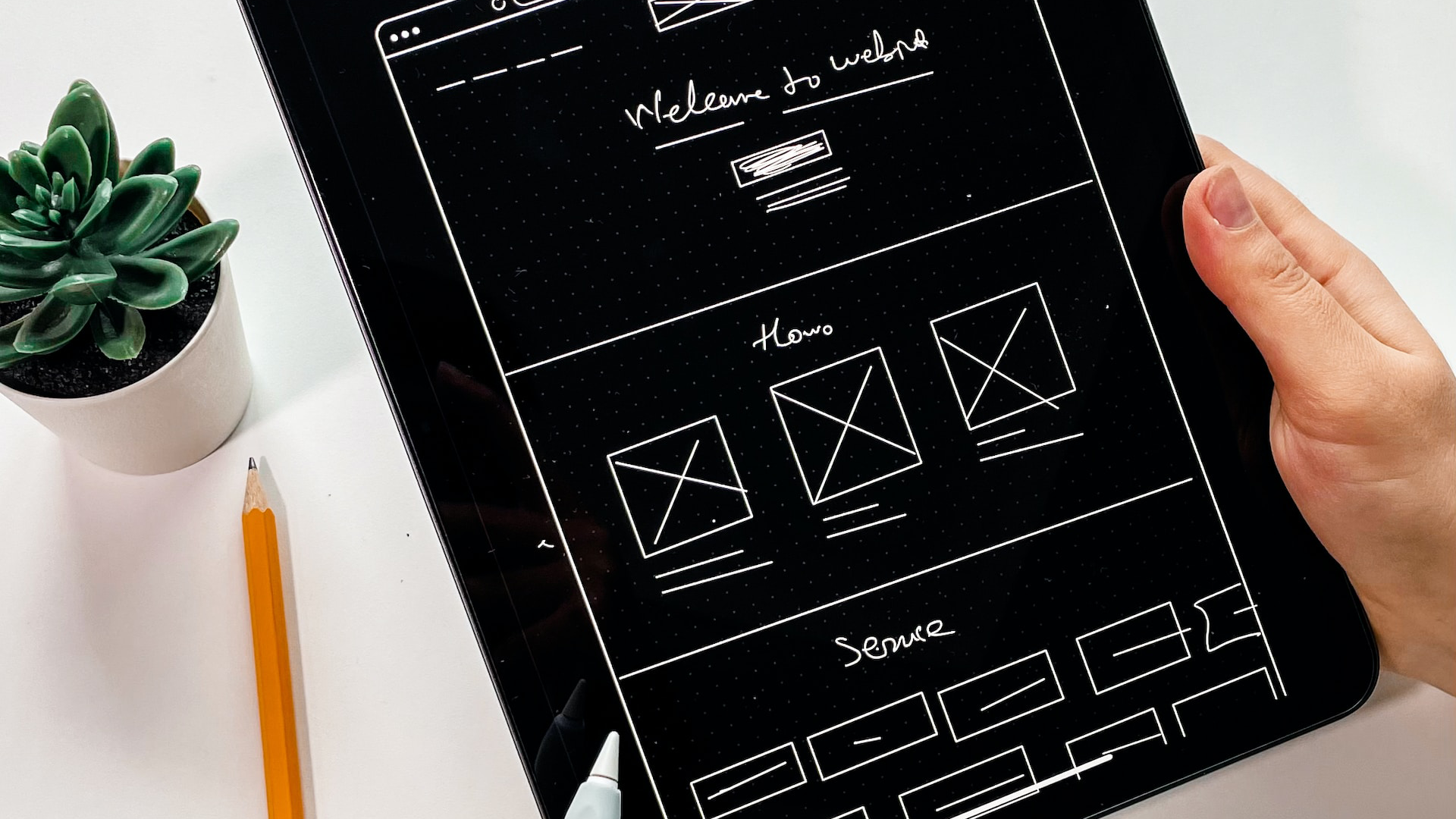
- Create low-fidelity prototypes using sketching, wireframing, or digital tools.
- Present the prototypes to users or stakeholders and gather feedback.
- Iterate on the designs based on the collected feedback and repeat the process as needed.
Ideal Outcome: A refined design concept that addresses user needs and pain points, ready for further development.
Affinity Diagramming
Purpose: To group and organize qualitative data, such as user research findings or brainstorming outputs.
How to Perform:
- Write individual data points, observations, or ideas on sticky notes.
- Arrange the sticky notes on a large surface, grouping similar items together.
- Label each group with a summary or theme.
Ideal Outcome: A clear and organized representation of qualitative data, providing actionable insights for the design process.
User Flow Diagrams
While the terms User Flow and Journey are sometimes used interchangeably, there are notable differences. A User Flow diagram illustrates the physical path a user takes within a digital product, whereas a User Journey map showcases users’ emotions as they complete a specific task.
Purpose: To visualize the sequence of steps users take to complete a specific task or interaction.
How to Perform:
- Identify key user tasks or interactions.
- Sketch or digitally create a flowchart that outlines each step in the process.
- Validate and refine the flow based on user research or feedback.
Ideal Outcome: A comprehensive and accurate representation of user flows that guides the design process and ensures an intuitive user experience.
Role-Playing / Scenario-Based Design
Purpose: To empathize with users and identify potential pain points or improvements.
How to Perform:
- Create realistic user scenarios that represent key tasks or interactions.
- Assign roles to participants and have them act out the scenarios.
- Observe the interactions, take notes, and discuss findings with the group.
Ideal Outcome: A better understanding of user needs, pain points, and opportunities for enhancing the product or service.
Conclusion
By understanding the purpose of each activity, learning how to perform them, and knowing how to assess their outcomes, you’ll be better equipped to collaborate with your team and create exceptional user experiences.
With so much jargon and terminology, choosing which UX Workshop activity is best for your particular situation might be difficult, especially if you are at the beginning of your UX or Product Management journey. I hope this article provides some clarity and encourages you to go learn more about these techniques — not only because playing around with colorful sticky paper is fun, but mainly because you can better understand your users and implement your insights into your products to delight your audience.